 Are They Listening?
For iPhone
Check what’s around you, and what’s on your phone.
Are They Listening? looks for cameras, microphones and trackers nearby, checks your iPhone for known spyware, and helps you spot scam texts, calls and websites.
An Android version is in development.
Features
Around you
Hidden cameras
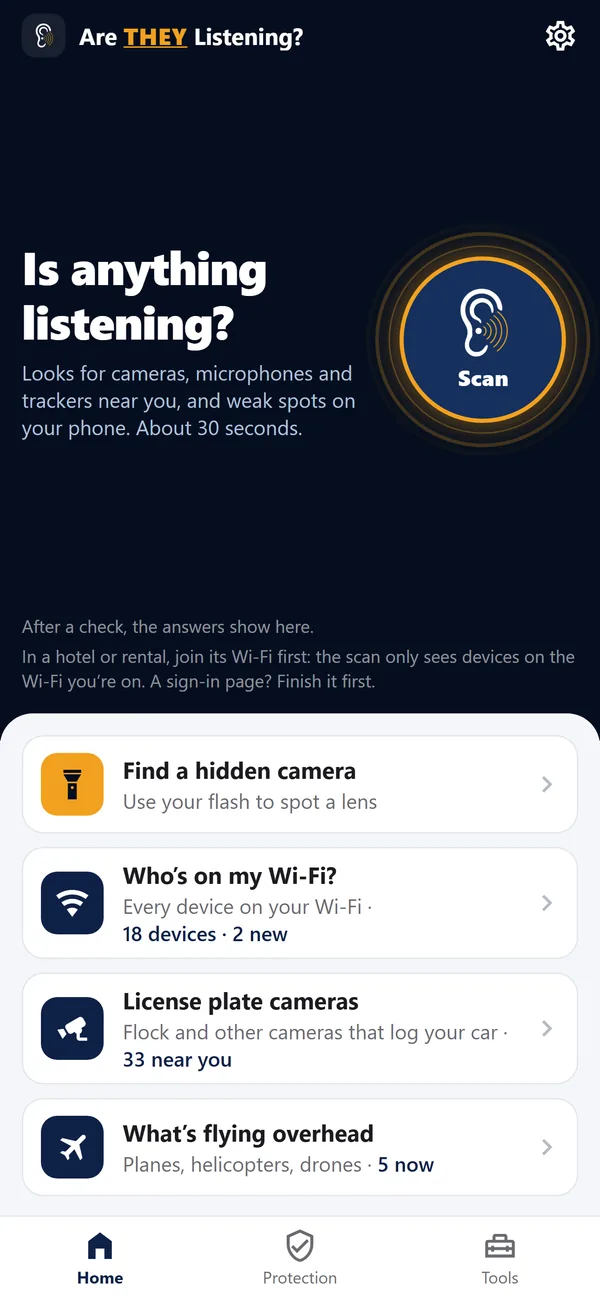
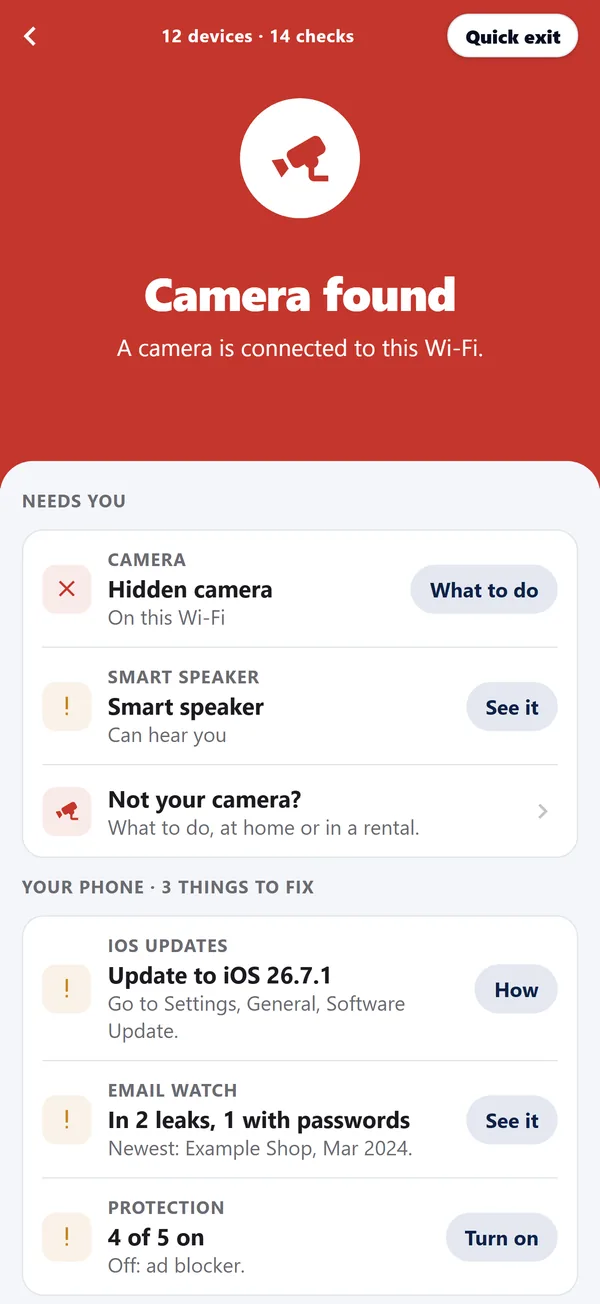
Look for the reflection of a lens with your flash, or for infrared lights in the dark. A guided search covers the 17 places a camera is most often hidden.
Glasses, recorders and skimmers
Detects camera glasses, AI recorders and some skimmer parts that broadcast over Bluetooth. Meta glasses go silent once connected, and most skimmers found so far use older Bluetooth that an iPhone can’t detect.
Trackers
Finds AirTags and other Find My items, and Samsung, Tile, Chipolo and Google tags nearby, and shows when a tag reports being away from its owner, where the tag allows it. Locate a tracker, or ring one that allows it.
Your Wi-Fi network
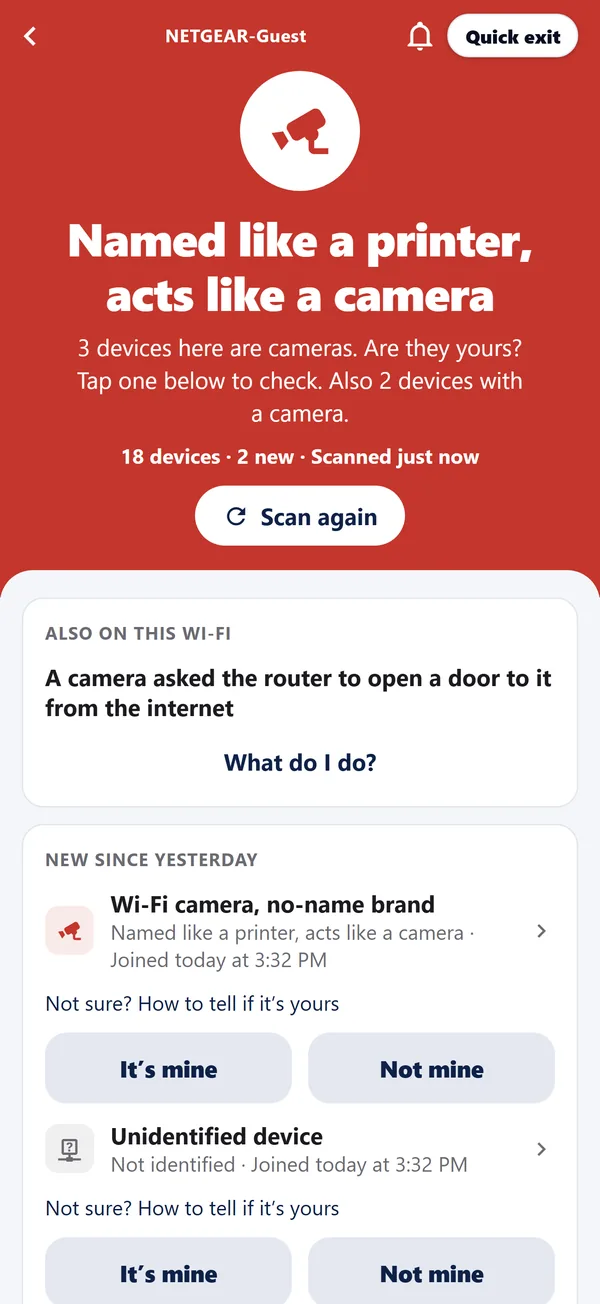
Lists the devices that answer on your network, what they can see or hear, and what’s new. Includes security checks, a speed test and network tools.
License plate cameras
A map of Flock and other plate readers in the US and Canada, with alerts as you drive and routes that pass fewer of them. Not affiliated with Flock Safety.
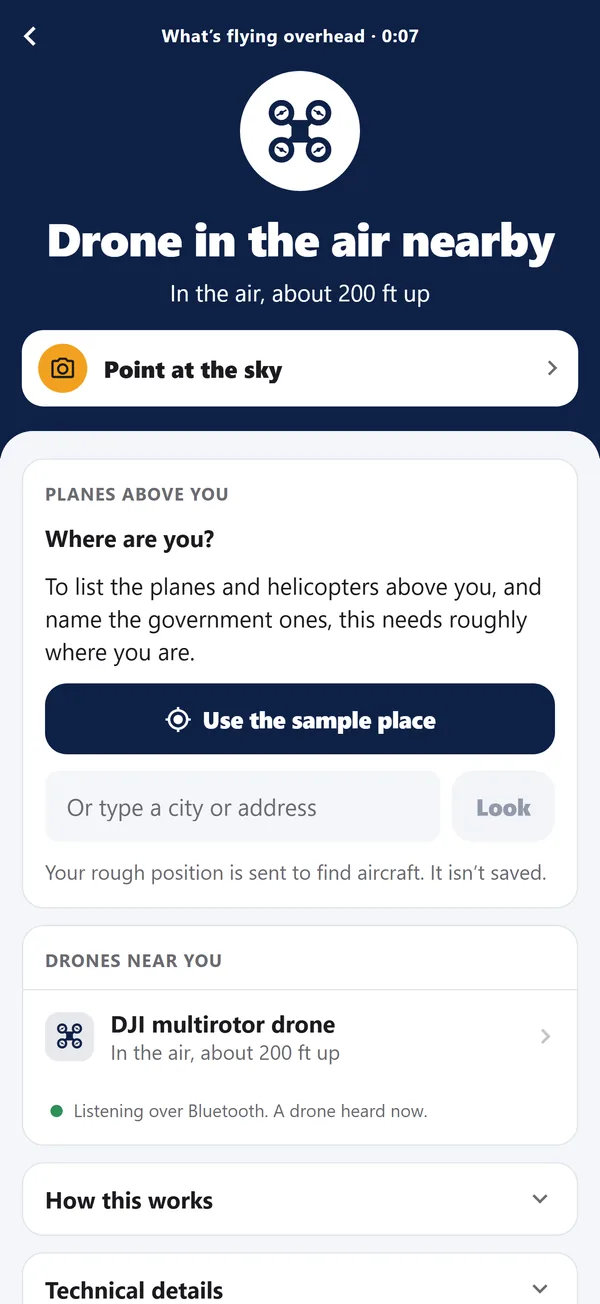
Overhead
Shows drones that broadcast Remote ID, and nearby planes and helicopters, including those the FAA lists as government owned.
On your phone
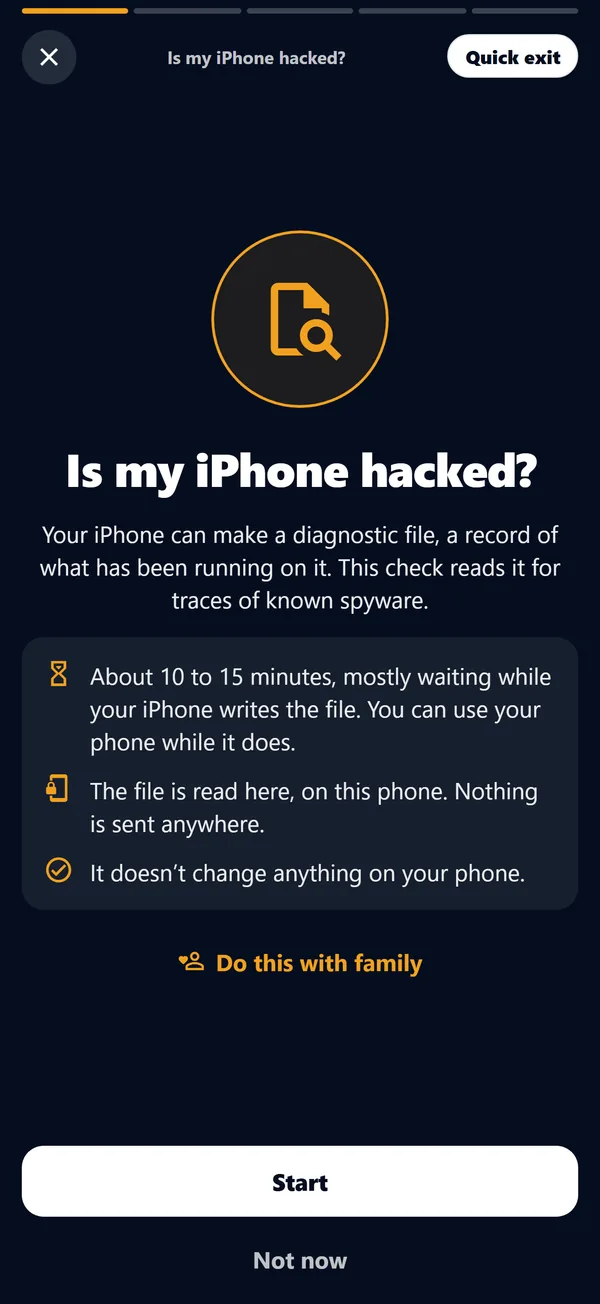
Is my iPhone hacked?
Reads your iPhone’s diagnostic file on the phone and looks for traces of known spyware. Also checks for iOS updates, a passcode and signs of a jailbreak.
App activity
Explains your iPhone’s 7-day App Privacy Report: which apps used the camera, microphone or photos, and which sites they contacted.
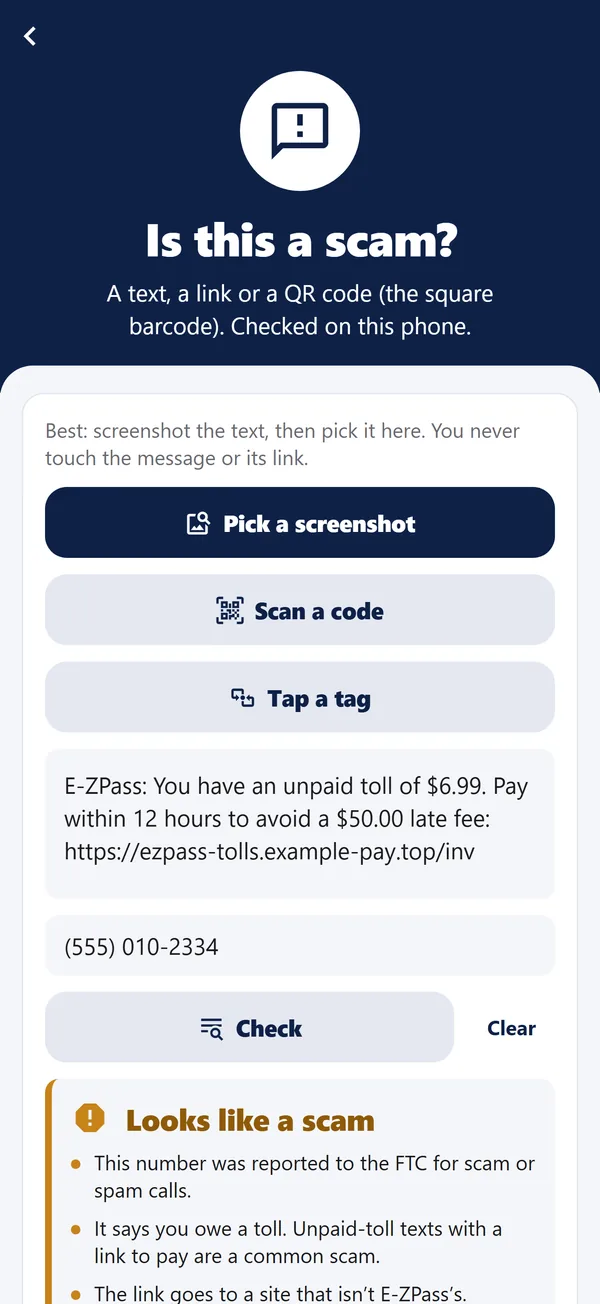
Scam checker
Checks a screenshot, QR code, NFC tag, text or link on your phone and explains the result. You can report it to your carrier or the FTC.
Texts and calls
Moves texts that look like scams to Junk. Labels calls from numbers reported to the FTC or FCC and, if you choose, blocks those with repeated reports.
Websites, ads and trackers
Blocks known scam sites, ads and trackers in Safari and, with App protection, in other apps. Filtering happens on your phone; with App protection, lookups it doesn’t block go to Quad9, encrypted.
Email watch
Checks whether an email address appears in known data leaks, using Have I Been Pwned.
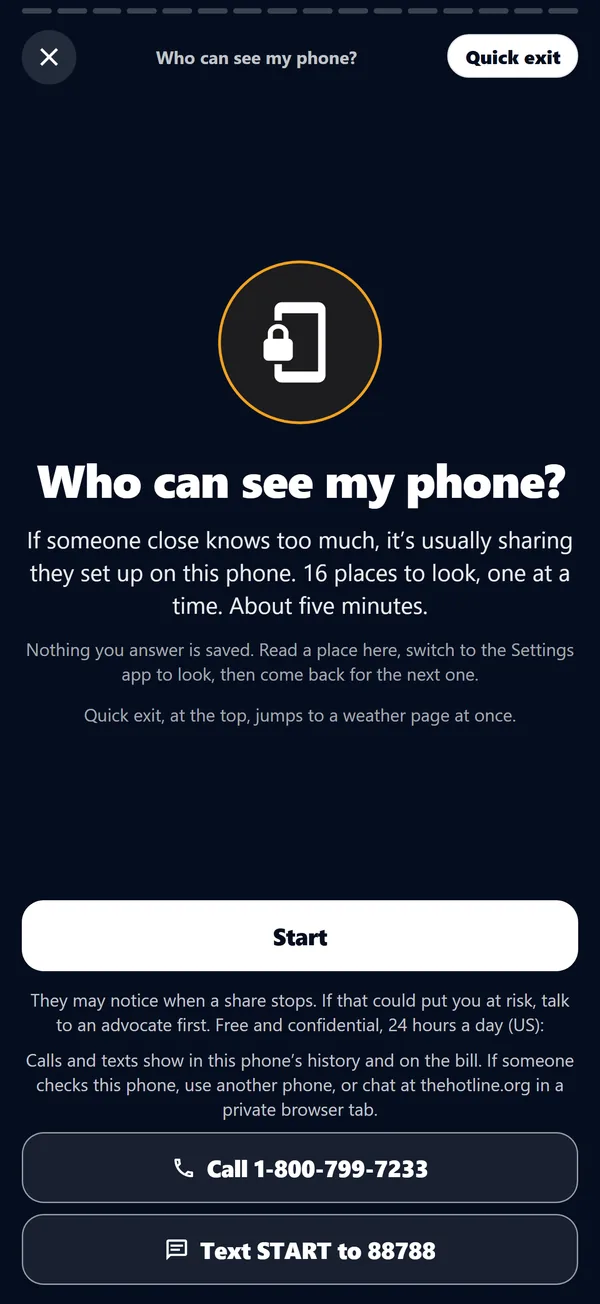
Who can see your phone
Sixteen sharing settings to review, from location and photos to your Apple Account. Your answers aren’t saved.
VPN
Encrypts your traffic on Wi-Fi that isn’t yours. Our servers are in the US and keep no logs of what you do.
Case file
Keeps a dated record of what was found and prepares a report you can share with the police.
Pricing
Free
- Every scan, with your first shown in full
- Find and ring a tracker
- The plate camera map
- Scam, call and website blocking
- The spyware verdict
- Email watch for one address, checked once
- Scan reports and a case file
The unlock
$49.99a year
Or $9.99 a month, or $4.99 for a 7-day Trip pass.
- Device names after your first scan
- Find camera glasses, recorders and skimmer parts
- Alerts while you drive
- Overhead
- The full spyware report
- Weekly Email watch for up to five addresses
- VPN
US prices, purchased through Apple. Subscriptions renew until you cancel. The Trip pass is a one-time purchase and doesn’t renew.
Limitations
A phone can only detect what nearby devices broadcast. The app can’t find a phone that is recording, a wired microphone, a camera that only records to a memory card, a cellular tracker or any device with its radios off. A scan that finds nothing doesn’t mean nothing is there.
Privacy
Scans run on your phone, and there are no accounts, ads or tracking. Some features contact outside services or servers we run. The privacy policy explains what each one sends, and What leaves your phone explains how we checked the addresses the app contacts.
Data sources
Aircraft: adsb.lol volunteer receivers (Open Database License). Government, police and military aircraft: the FAA registry (built into the app), and plane-alert-db by SDR-Enthusiasts and contributors (Open Database License), which the app downloads from headwaytech.app/data/plane-alert.json, published there under the same license, and never builds in. Satellite orbits: CelesTrak, from U.S. Space Force data published on Space-Track.org. Bright stars: the Yale Bright Star Catalogue.
Map data: plate readers from DeFlock volunteers on OpenStreetMap; enforcement cameras from OpenStreetMap contributors (Open Database License) and the published lists of over 150 US and Canadian cities, counties, states and provinces, each named in the app under Map sources, including the District Department of Transportation (Open Data DC, CC BY 4.0), Québec’s Ministry of Transport (CC BY 4.0), and cities licensing under Canada’s Open Government Licences. This site provides applications using data that has been modified for use from its original source, www.cityofchicago.org, the official website of the City of Chicago. The City of Chicago makes no claims as to the content, accuracy, timeliness, or completeness of any of the data provided at this site. The data provided at this site is subject to change at any time. It is understood that the data provided at this site is being used at one’s own risk.